Published on:
Jump to FAQ ↓Kindle Paperwhite (12th Gen) Signature Edition (32GB) — Unboxing and First Impressions Review
Amazon’s Kindle line has always been about doing one thing well: making long reading sessions feel effortless. With the Kindle Paperwhite (12th Gen) Signature Edition (32GB), that philosophy continues. While it doesn't radically reinvent the experience, it refines the essentials in a way that feels familiar and reassuring to longtime users.
The Signature Edition Advantage
The Signature Edition (32GB) stands apart from the standard Paperwhite primarily through its convenience features:
- Auto-adjusting front light: For seamless transitions between different environments.
- 32GB storage: Plenty of space for large libraries and audiobooks.
- Wireless charging support: A simple way to keep the device topped up without fumbling for cables.
Design: Plain on Purpose
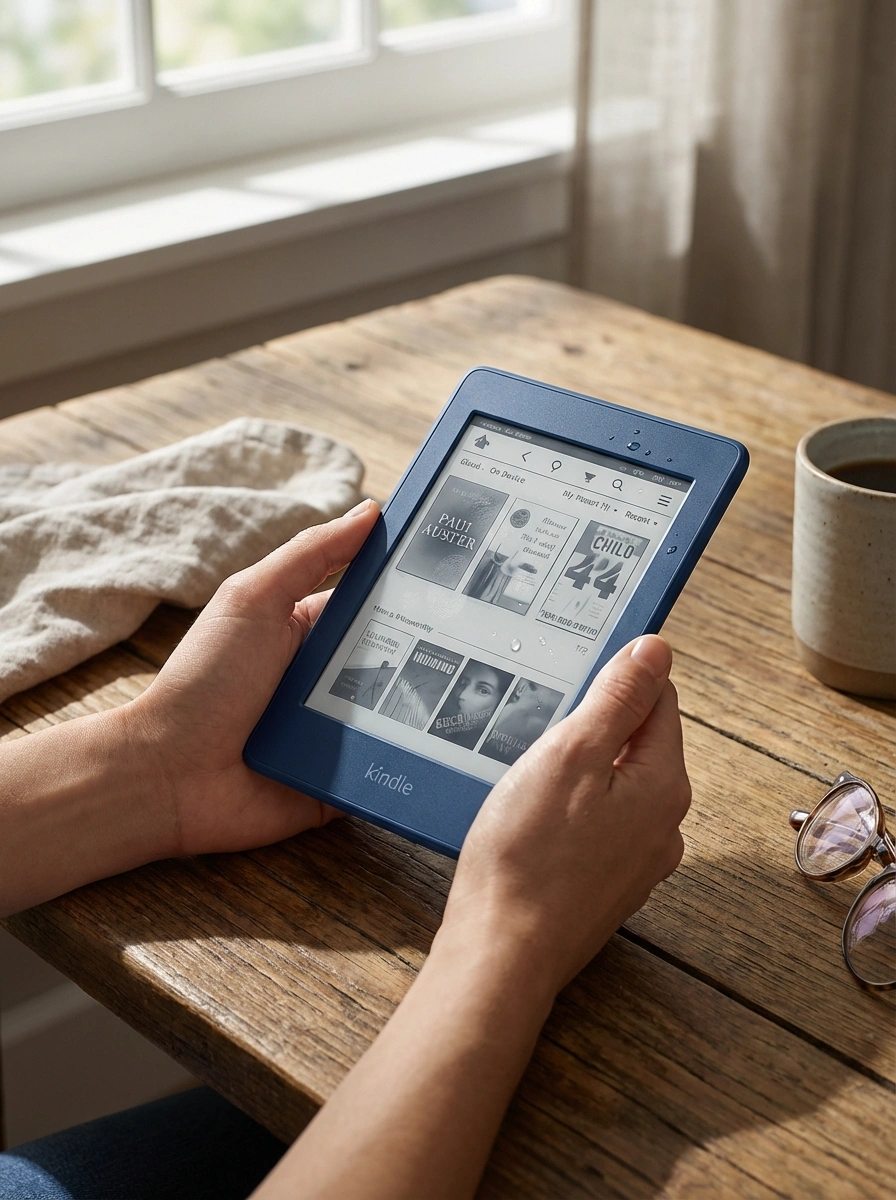
At first glance, it looks exactly like what it is—a Kindle. The body is a solid and well-sealed plastic with rounded edges for comfortable handling. While it doesn't have the premium metal feel of a Kindle Scribe, it's durable enough that casual water exposure isn't a disaster.
The biggest drawback? The front panel is a fingerprint magnet, so keeping a cloth handy is recommended.
Display: Balanced and Comfortable
Instead of chasing extreme contrast, the Paperwhite’s screen aims for an easy-on-the-eyes middle ground. Text is moderately dark and comfortable against a background tone that matches mainstream e-readers. Its smooth grayscale transitions also make it a better choice for illustrated books than older, harsher-tuned displays.
Ghosting Realities
Ghosting remains a part of the e-ink experience. Indoors, it's minimal even in dark mode. However, in bright sun, ghosting becomes much more visible.
- Pro-tip: Use light mode in bright environments and dark mode for low-light night reading, where the background looks cleanest.
Front Light & Night Reading
Dark mode is a standout feature for the 12th Gen. The lighting is soft, comfortable, and free of distracting artifacts, making it perfect for late-night reading. In light mode, uniformity is acceptable, though slight warmth can be visible in certain lower regions under specific settings.
Software: A System in Stagnation
The overall software experience remains extremely familiar. Layout and typography controls are still limited compared to modern e-readers from other brands. Kindle’s system stays relevant primarily because of Amazon’s vast content ecosystem rather than forward-thinking software features.
One minor addition is the Double-Tap Page Turn, allowing you to tap the frame or back for the next page, though it lacks a "previous page" option, making it more of a novelty than a core tool.
For International Readers
In regions where local storefront support has changed, users can still enjoy the Kindle experience with a bit of setup:
- Registering a US Amazon account is often the most practical workaround.
- "Send to Kindle" remains a reliable way to push personal documents up to 200MB.
- Trade-off: Be aware that domestic returns and warranty service may be more complicated when buying via overseas channels.
Verdict: Not Ambitious, Just Dependable
The Kindle Paperwhite (12th Gen) Signature Edition is a practical, durable, no-drama e-reader. It won't impress feature-seekers, but for those who read a lot and want a focused device that just works, it remains an easy recommendation. It’s dependable—and for a reading device, that’s exactly the point.