Published on:
Jump to FAQ ↓A Practical Laptop Buying Guide for Students: What to Choose in Today’s Market
As a new academic year approaches, many students—especially first-year university entrants—are preparing to buy a laptop. On the surface, the timing looks ideal: national subsidies and aggressive promotions have pushed prices down across the board. In reality, however, the laptop market has become more complex than ever. With thousands of models released each year, choosing the right machine now requires more than just checking discounts.
This review-style guide breaks down the current laptop landscape from a student-use perspective, focusing on real-world needs rather than marketing slogans.
Operating Systems: The First Decision That Matters
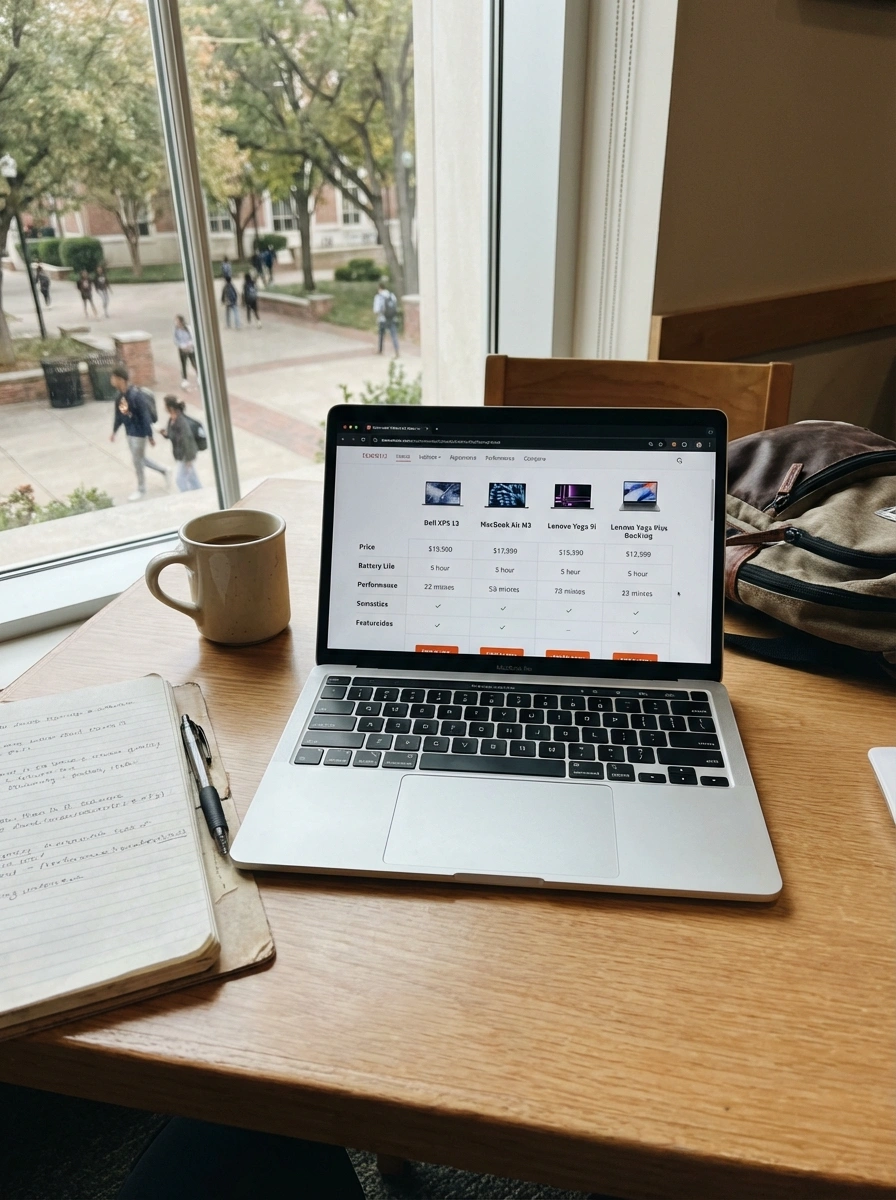
Before discussing hardware, it’s important to understand the operating system ecosystem. For most students, the practical options narrow quickly to two:
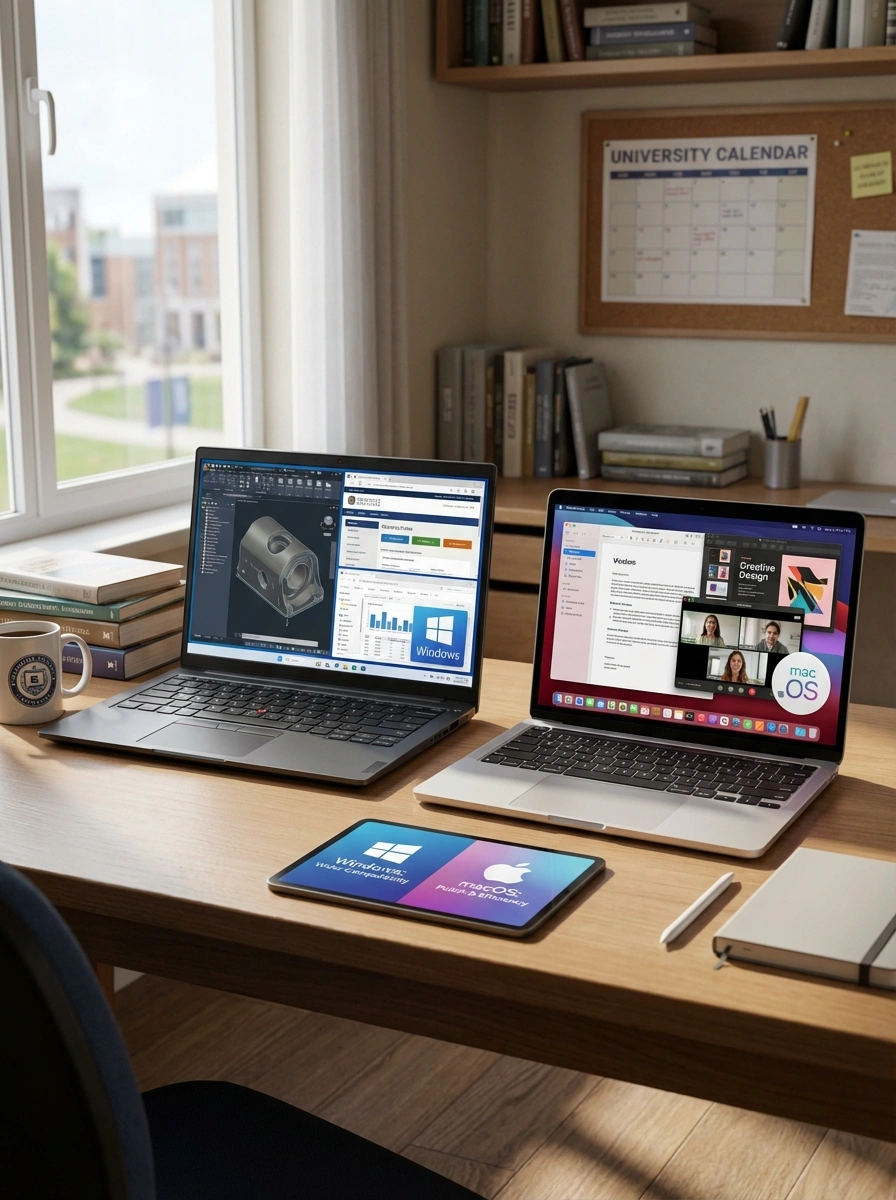
- Windows: Still dominates the market, with the widest software compatibility—especially for education, engineering tools, and institution-mandated software.
- macOS: Known for polish, efficiency, and excellent battery life, but with notable limitations in software compatibility for many universities.
For students who have never used macOS before, switching systems can introduce friction—particularly when required coursework depends on Windows-only applications. In most cases, Windows remains the safer choice.
Brand Tiers: Why “Who Makes It” Still Matters
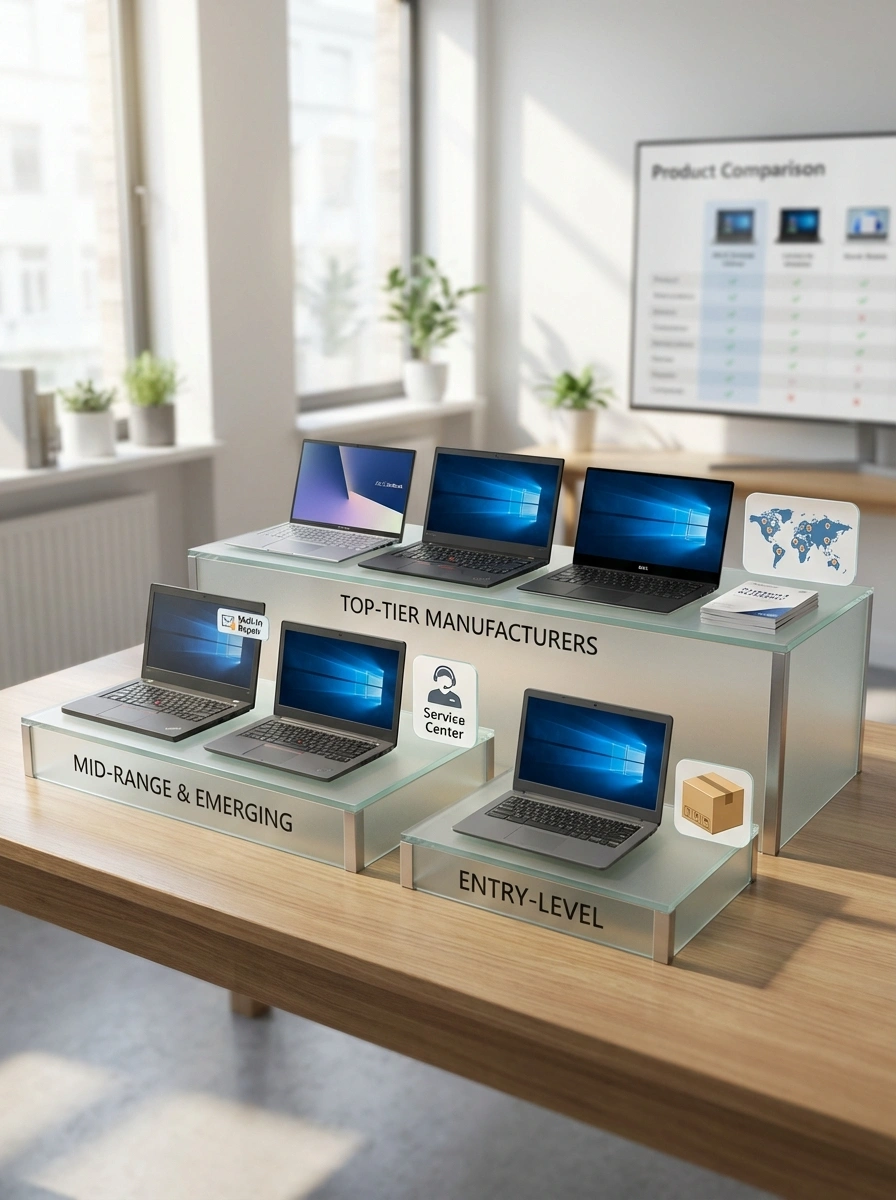
Windows laptops span a wide range of brands, which can loosely be grouped by maturity and support quality. Top-tier manufacturers—such as ASUS, Lenovo, HP, and Dell—typically offer:
- Broad product lines (thin-and-light, gaming, creator models)
- Extensive after-sales service networks
- More consistent quality control
Mid- and lower-tier brands often compete on price but may rely on mail-in repairs only, with fewer service centers. For beginners or non-technical users, established brands significantly reduce long-term risk.
The Three Main Laptop Categories Explained
1. Thin-and-Light Laptops: Portability First
Best for: Note-taking, research, media consumption, light coding
Thin-and-light laptops prioritize low weight, long battery life, and quiet operation. At entry-level prices, these machines already handle everyday student tasks well. Higher-end models mainly improve display quality, materials, and battery endurance. For most students, affordable models deliver 80-90% of the premium experience.
2. Gaming Laptops: Performance Above All
Best for: Gaming, 3D design, video editing, engineering workloads, AI experimentation
Gaming laptops offer the strongest hardware thanks to larger cooling systems. The key differentiator is the GPU—most commonly from NVIDIA’s RTX 40 series.
- Intel CPUs often run cooler at idle and are quieter in daily use.
- AMD CPUs deliver stronger multi-core performance but can run hotter.
[!CAUTION] Budget-focused gaming laptops may have internal compromises like insufficient cooling, which affects long-term reliability. Always check real user reviews.
3. All-Rounder Laptops: The Compromise Option
Best for: Students who want more power than ultrabooks without the bulk of gaming laptops
All-rounder laptops aim to balance moderate portability and better performance. True versatility appears only in mid-to-high-end configurations with discrete graphics, though performance still trails similarly priced gaming laptops.
Where Do MacBooks Fit In?
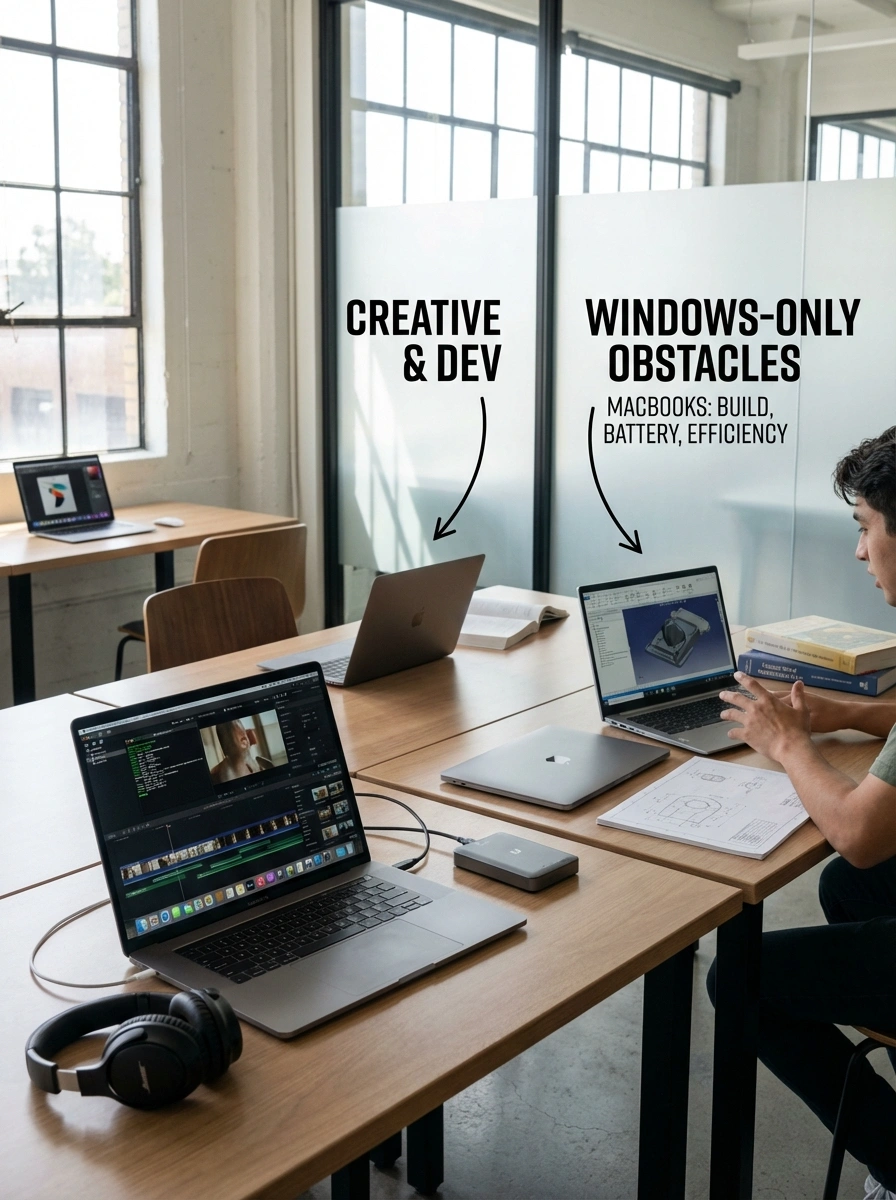
Apple’s laptops—such as the MacBook Air and MacBook Pro—stand out for build quality, battery life, and power efficiency via Apple silicon. They excel in:
- Creative work (video editing, music production)
- Software development
- Polished user experience
However, for students enrolled in programs requiring Windows-only software, MacBooks can introduce unnecessary obstacles. Weight and portability advantages have also narrowed compared to modern Windows ultrabooks.
How to Choose: A Simple Framework
- Low budget, basic needs: Entry-level thin-and-light Windows laptop
- Balanced study and creative work: Mid-range thin-and-light or all-rounder
- Engineering, gaming, heavy workloads: Gaming laptop matched to your budget
- Already deep in Apple’s ecosystem: MacBook (with software compatibility confirmed)
Final Thoughts
Today’s laptop market rewards clarity more than impulse. Discounts are everywhere, but value depends on matching the machine to your actual workload—not the most impressive spec sheet.
For most first-time university students, a well-chosen Windows laptop from a reliable brand remains the most adaptable and lowest-risk option. Specialized needs can justify higher-end models, but only when those needs are clear.